🧱 Concrete Compressive Strength Predictor
This tool estimates concrete compressive strength based on user-defined mix proportions using a LightGBM model.
🔍 Why LightGBM?
This tool uses a Light Gradient Boosting Machine(GBM) model selected after benchmarking 12 machine learning algorithms. LightGBM achieved the highest R² (0.9126), lowest RMSE (4.747 MPa),highest accuracy (92.23%), and F1-score (89.74%), outperforming models like Random Forest, XGBoost, and Neural Networks.
Features:
✔ Superior handling of nonlinear feature
✔ Fast training with large tabular data
✔ Excellent generalization on unseen data
LightGBM's balance of accuracy, speed, and interpretability makes it ideal for predicting concrete compressive strength.
Please click below for PredictionView Analysis- Visuals (click to enlarge)


🛣️ Pavement Condition Index (PCI) Predicton and Assessment
This interactive tool helps assess pavement condition using ASTM D6433 distress data and a trained XGBoost model.
Features:
✔ Uses standard distress metrics (cracking, potholes, patching)
✔ Designed for input from sample units ≥ 20 m² (ASTM D6433 compliant)
✔ Automatically classifies PCI score (Good, Fair, Poor, etc.)
✔ Includes guidance, disclaimers, and live prediction
Use the tool below to estimate PCI score:
View PCI Visualizations (click to enlarge)


🛡️ Safety Helmet Detection App
This real-time detection tool helps monitor compliance with helmet safety protocols using a YOLOv8-based computer vision model.
Features:
✔ Detects presence/absence of helmets on individuals in images, videos, or webcam feeds
✔ Trained on 5,000 diverse images using YOLOv8n with high precision and recall
✔ Ideal for construction sites and industrial safety monitoring
✔ Provides instant visual alerts and classification output
Download the desktop version of the app below:
⬇ Download Helmet Detection App (.exe)


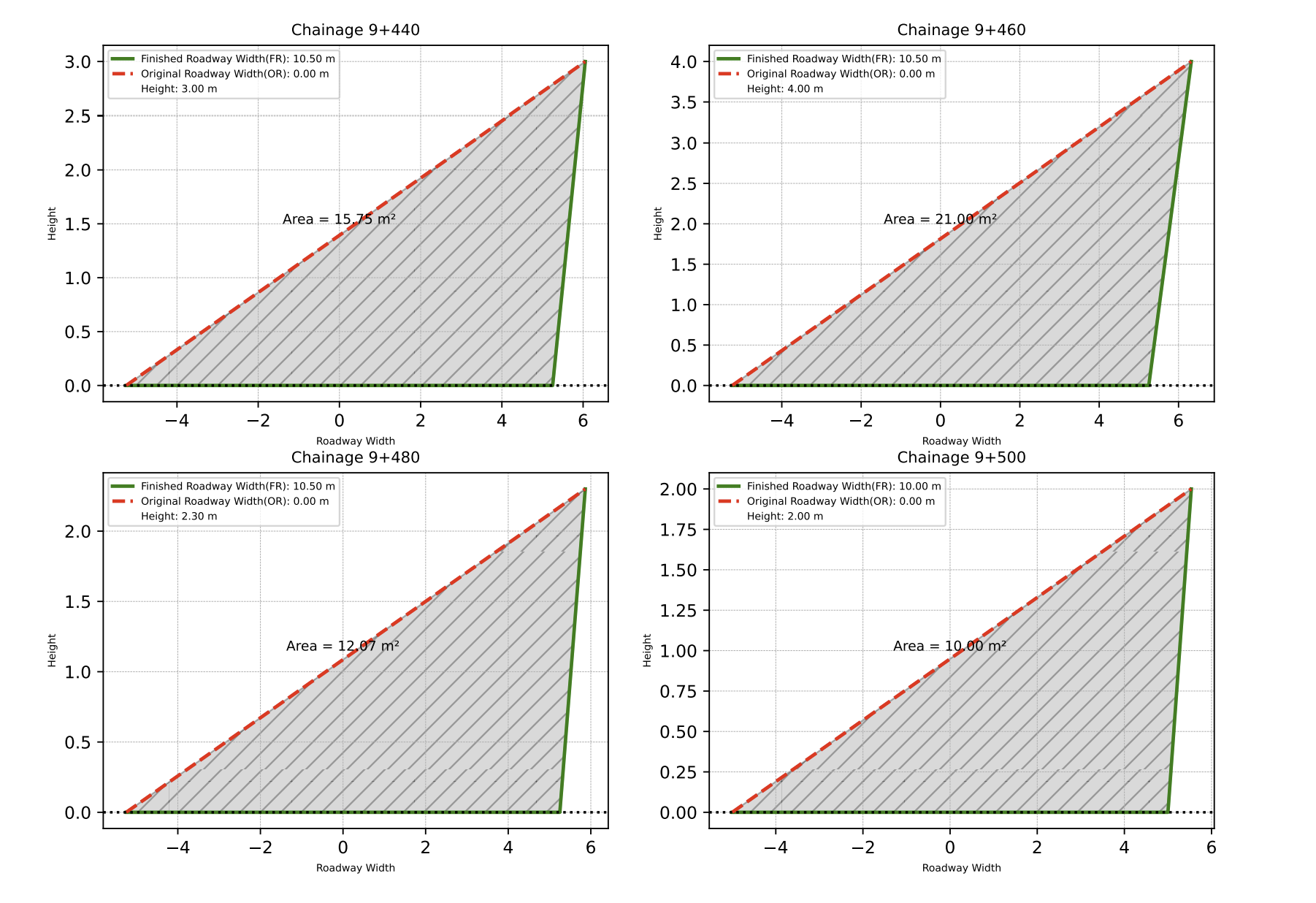
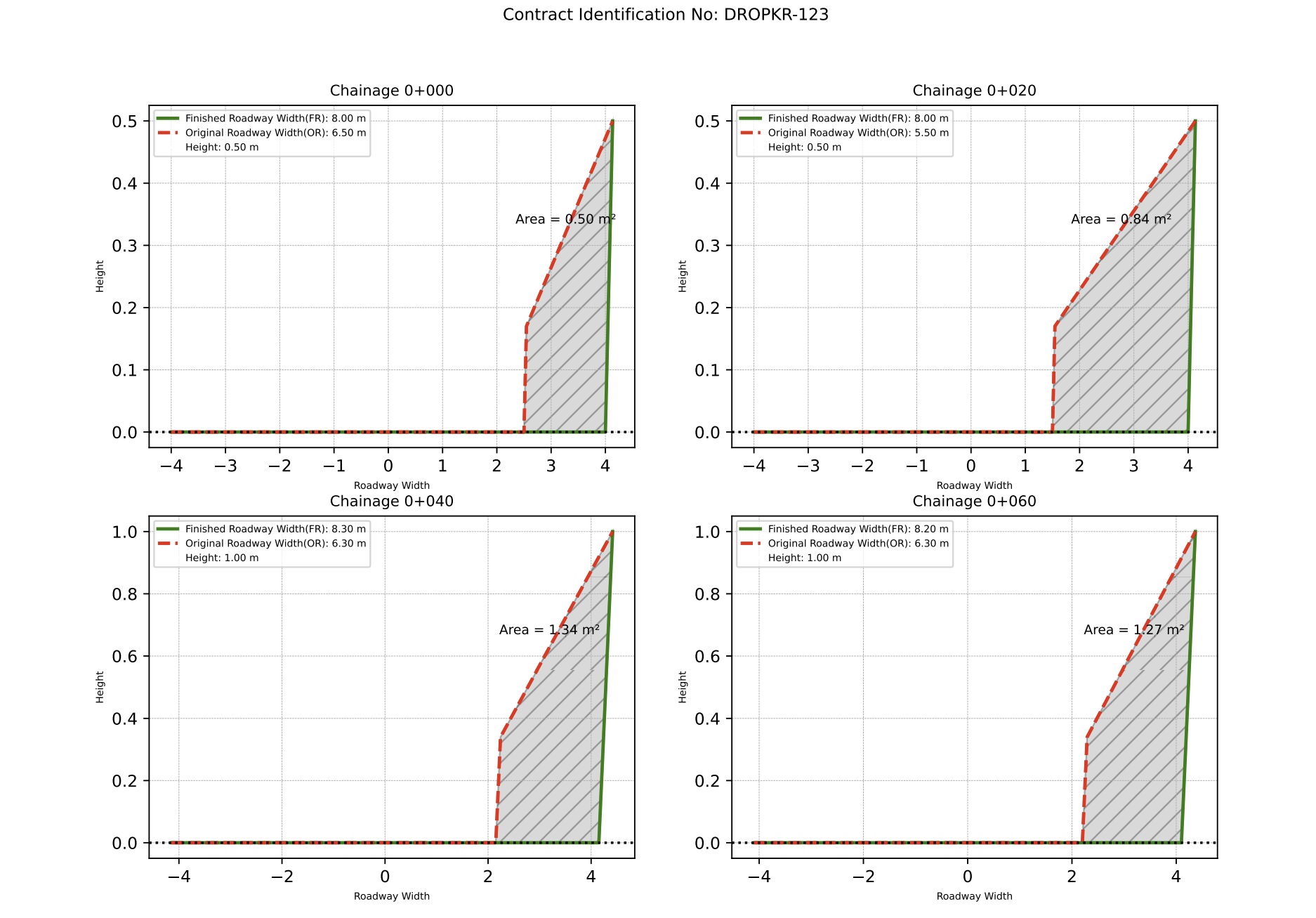
📊 Earthwork Excavation Cross-Section Plotter App
This tool replaces the slow, traditional workflow with a quick, easy, and modern way to calculate and visualize earthwork excavation cross-sections. Generate detailed cross-section plots in just a few clicks no AutoCADD software or complex tools needed!
🔧 Key Features:
- Based on standard thumb-rule coefficients: Fresh Cutting (0.5), Back Cutting (0.67), Box Cutting (1.0)
- Auto-generates cross-sectional area plots and Volume Calculation Sheet
- Supports Excel-based input with customizable datas
- Output includes PDF plots and Excel summaries
- Ideal for civil engineers, highway planners, and Estimators
How to Use:
- Download the input and summary Excel templates.
- Fill in chainage, widths, height, slope, and coefficients in the Input Template.
- Add project information in the Summary Template.
- Upload both files and enter Contract ID.
- Click “Generate Cross Section Plots” to get the results.
Launch the application below:
📸 View Sample Images (click to enlarge)